A 3D scan can only be performed using an iPhone Pro equipped with a LiDAR scanner (iPhone 12 Pro or later)
or any other compatible LiDAR scanning device. Before you begin, ensure that the room is well-lit
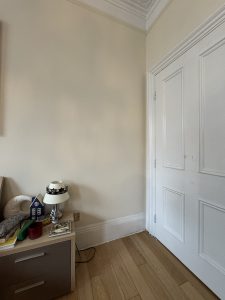
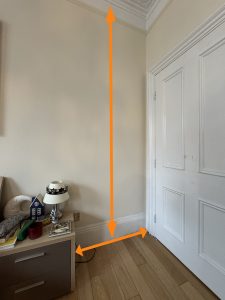
and that the space designated for your furniture is completely clear
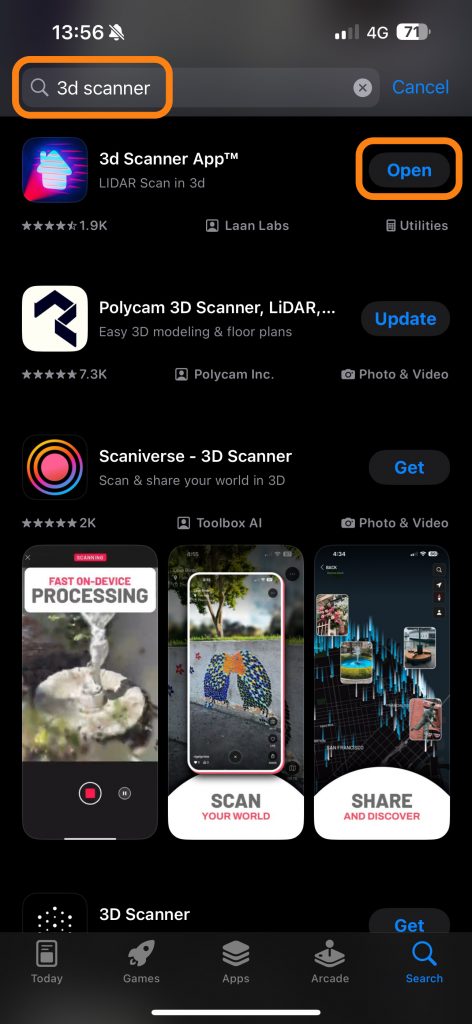
- From the app store download the Free app 3D scanner and open the app, allow to access the camera
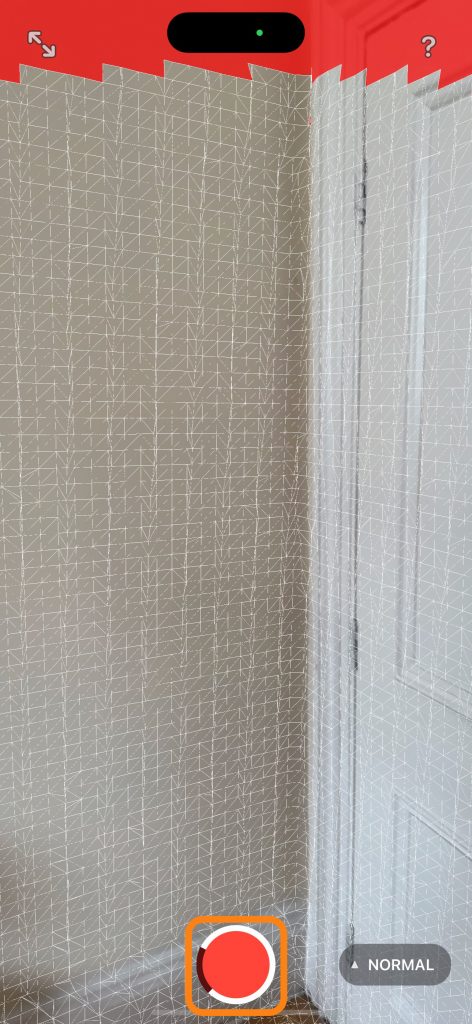
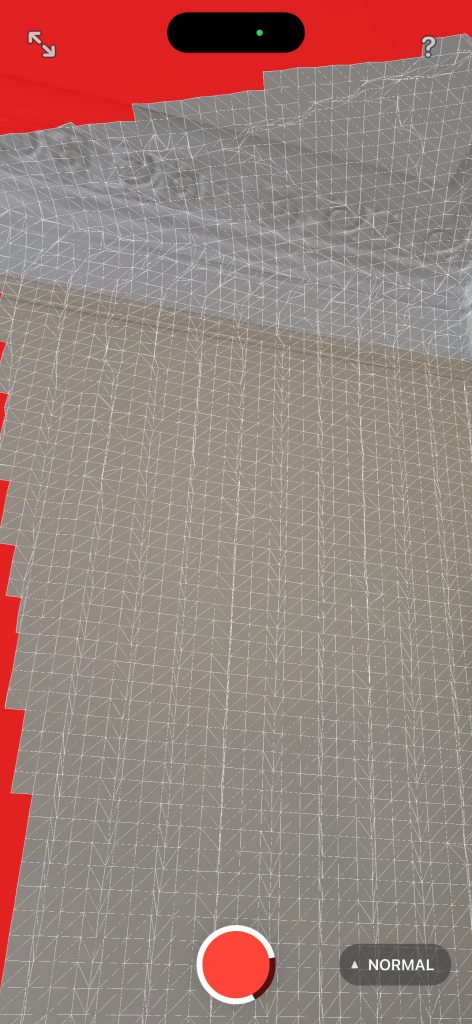
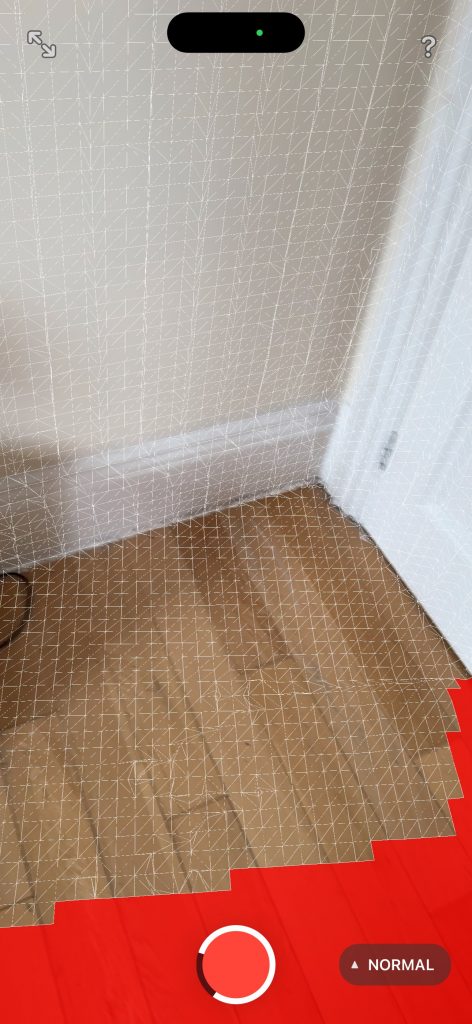
- Start scanning, move the camera slowly around the area of to allow creation of the mesh.
- Pay attention to capture all wall corners,
- Once you cover the whole area, click the middle button to end the scan.
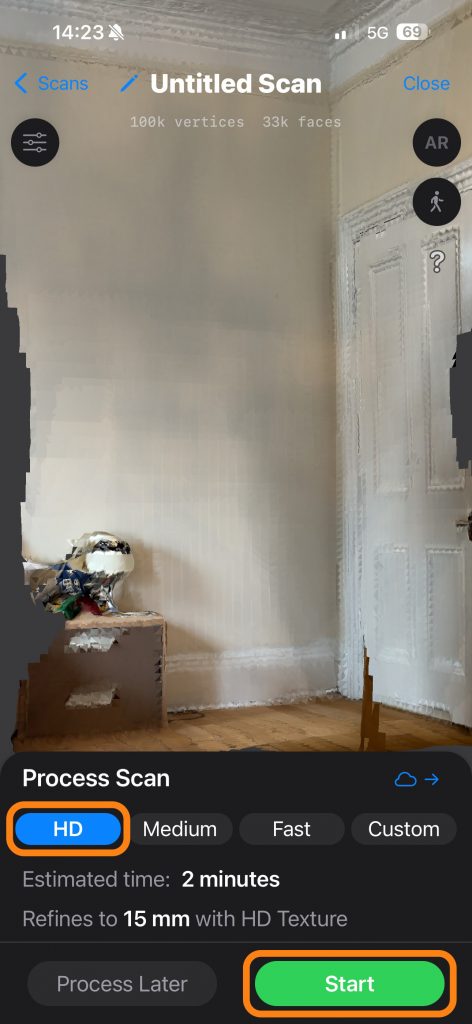
- Select HD and click Start to process the scan.
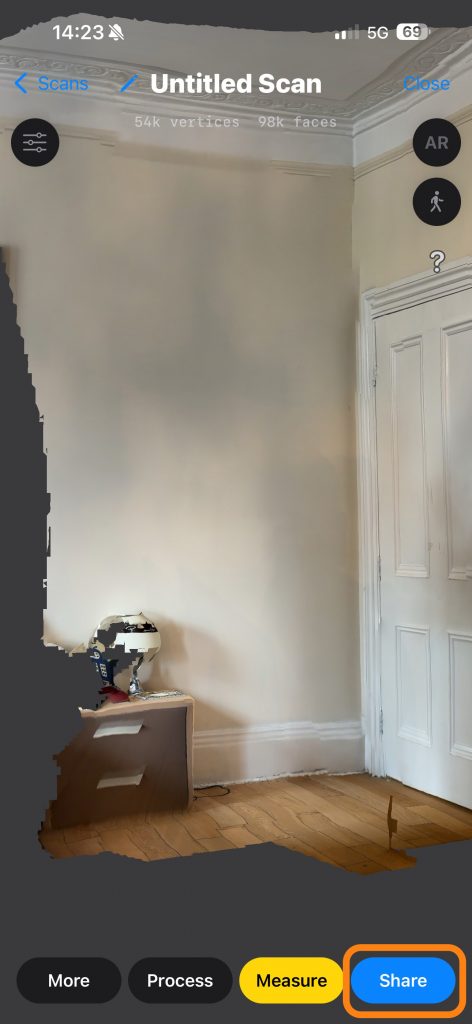
- Once it’s done click share
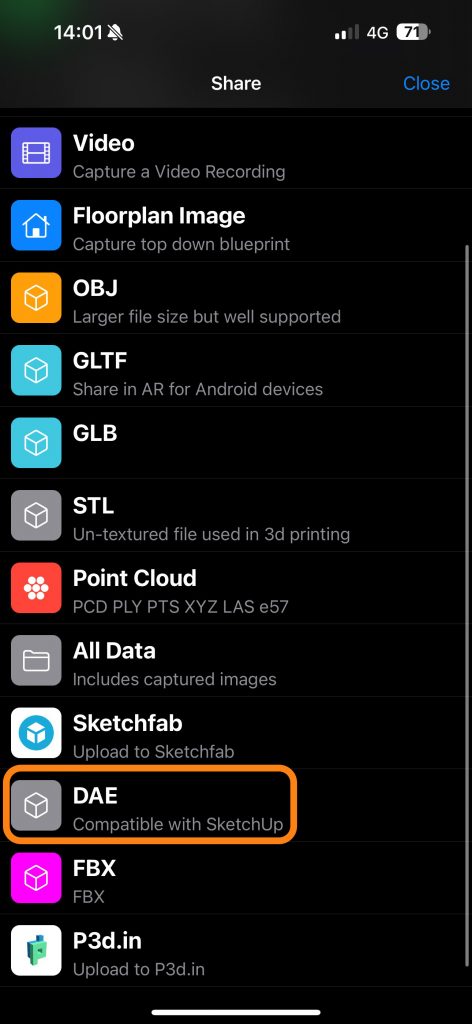
- Select DAE format from the list
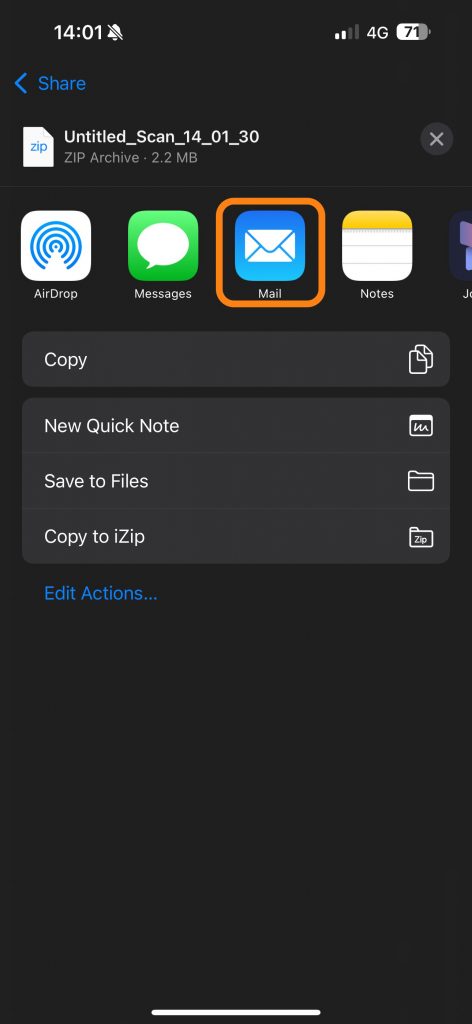
- Click on mail and send it to hello@furniturecreator.co.uk with the project reference no.
In addition to our comprehensive design and manufacturing services, we offer assembly services tailored to your needs.
This service is assessed individually based on order quantity and distance, ensuring a personalized approach for each project.
Assembly Instructions to be added in the future